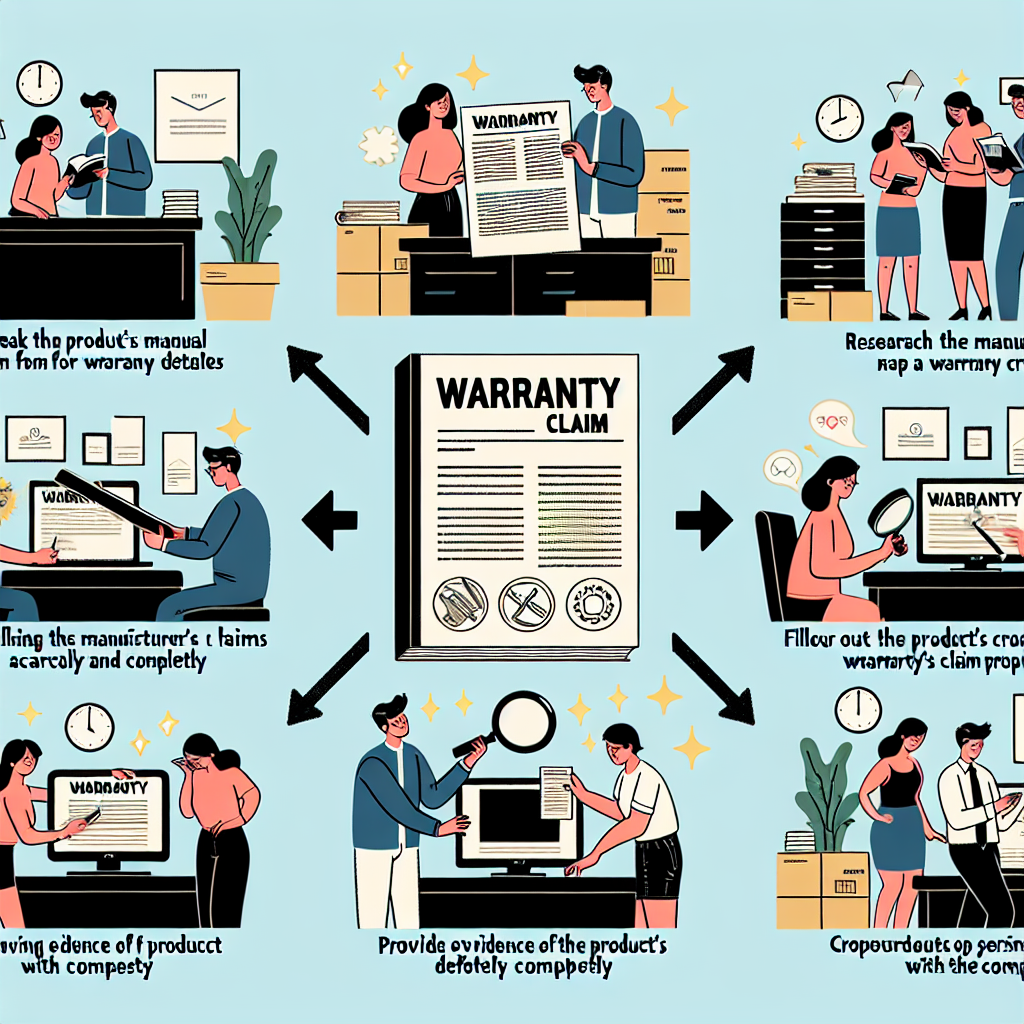
So you’ve purchased a product and it’s not working as it should – what do you do? One of the best ways to protect yourself as a consumer is by keeping your receipts and making a warranty claim when necessary. In this blog post, we’ll discuss some tips and tricks for making a successful warranty claim.
Keep Your Receipts
One of the most important things you can do as a consumer is to keep all of your receipts. This will serve as proof of purchase and will be essential when making a warranty claim. Without a receipt, it can be difficult to prove that you actually bought the product in question.
Trash the Packaging
While it may seem counterintuitive, keeping the packaging for your product can actually be useful when making a warranty claim. Some companies require that you return the product in its original packaging in order to process your claim. By keeping the packaging, you can ensure that your claim goes through smoothly.
Useful Tips for Making a Claim
- Contact the manufacturer or retailer as soon as you notice an issue with your product. The sooner you make a claim, the better chance you have of getting it resolved quickly.
- Be prepared to provide detailed information about the issue with your product, including any troubleshooting steps you’ve already taken.
- Follow up on your claim if you don’t hear back within a reasonable amount of time. Don’t be afraid to escalate your claim if necessary.
Making a warranty claim can be stressful, but by following these tips and tricks, you can increase your chances of success. Remember to keep your receipts, hold onto the packaging, and be proactive in reaching out to the manufacturer or retailer. With these steps in mind, hopefully, your warranty claim will go smoothly and result in a positive outcome.
